
Make your data work visible, defensible, and easier to carry forward
MyDataWork gives analysts and teams one place to connect files, context, stakeholders, and outcomes — so your work holds up when priorities shift, tools change, or leadership asks hard questions.

Prove the value of your work
Show the scope and value of your work in terms leaders can understand
Most data work is invisible until someone asks what it supports, why it matters, or whether it is worth keeping. MyDataWork connects your files, logic, and dashboards to the use cases they support, tracks estimated and realized value, and gives you a portfolio you can export for leadership, governance, or planning conversations.
Benefits
- Link deliverables to business objectives and measurable outcomes
- Track estimated and realized value across active use cases
- Export a manager-ready summary in PowerPoint or PDF
- Use AI to identify automation opportunities, reuse opportunities, and tool modernization options, then share findings through exports, email, or leadership-ready summaries
Give managers real visibility
A clearer view of work underway — not just outputs delivered
Managers often see the final dashboard, report, or model, but not the work behind it. MyDataWork surfaces use cases, action plans, stakeholders, asset health, and progress in one place. The Asset Health Dashboard gives teams a fast read on value, staleness, stakeholder coverage, tool mix, and recent Workspace Agent findings, so oversight starts from what is actually happening.
Benefits
- See what's active, what's blocked, and what improvements are in motion
- Track stakeholders and communication history alongside the work
- Make progress measurable with baseline, current, and target values
- Use dashboard-level health indicators to see where attention is needed before a review meeting
Keep stakeholders grounded in actual work
Conversations with partners that start from evidence, not memory
When stakeholders ask for updates or want to shape what comes next, having the supporting files, context, lineage, notes, and recommendations in one place changes the conversation. MyDataWork makes it easier to explain what the work supports, what has changed, what value has been delivered, and what should happen next.
Benefits
- Keep supporting assets and context together in one place
- Record what was discussed, decided, and assigned
- Give stakeholders a shareable summary of what the work actually involves and why it matters
Speak IT's language when it matters
Communicate work in a way architecture, governance, and AI teams can use
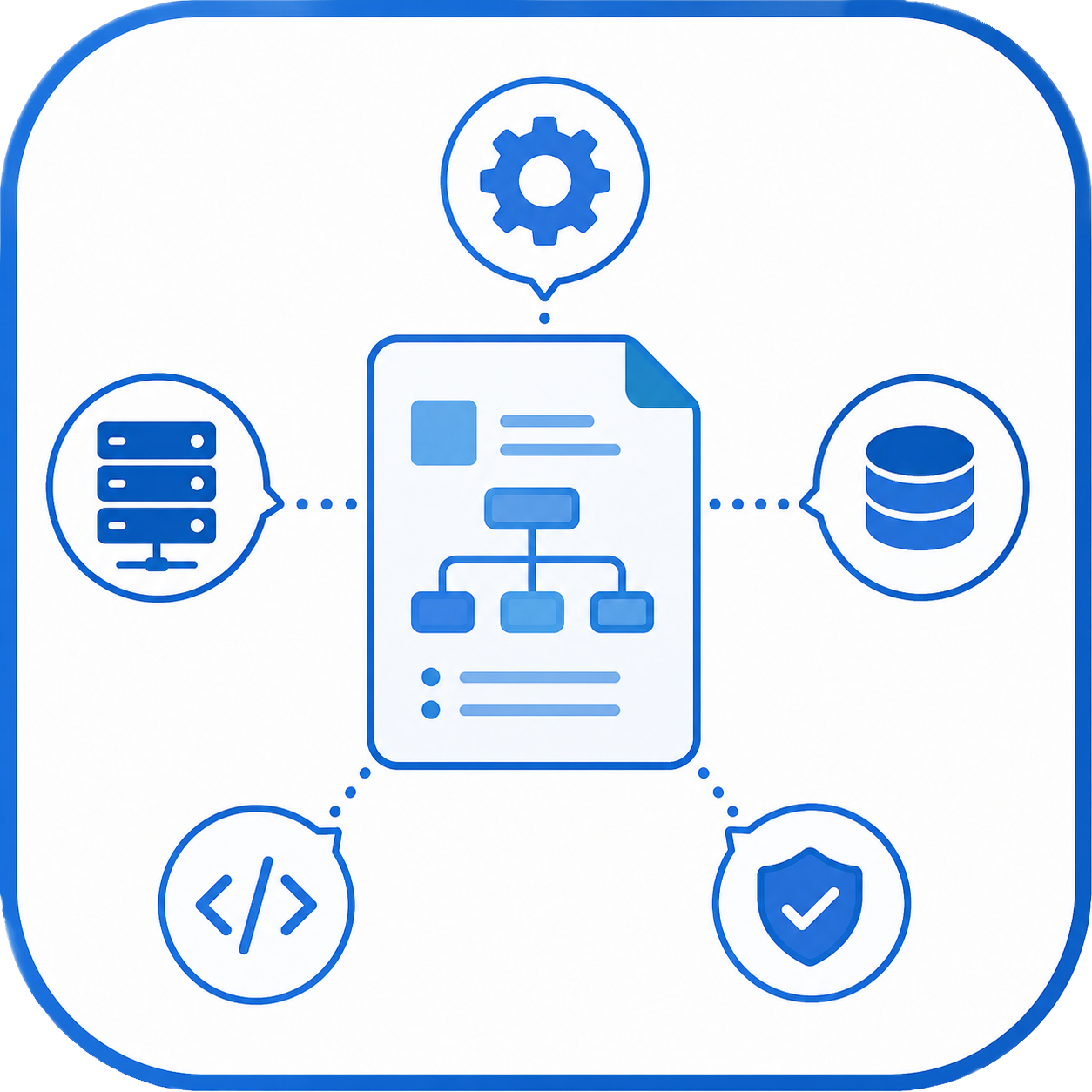
When IT needs to understand what is in scope before a platform change, governance review, AI initiative, or source-system update, MyDataWork provides the context they need: assets, dependencies, lineage, external data sources, use cases, and ownership signals. It helps translate analyst work into structured context without turning every analyst into a catalog administrator.
Benefits
- Share asset dependencies — including external data sources not yet in your catalog — alongside use case context
- Support source-system change discussions with documented scope
- Make governance conversations easier with structured, exportable records
- Use lineage confidence and evidence to show why assets are connected, not just that they appear related
- Push structured use case updates to Jira when your organization requires it — one click, one-way, without maintaining two separate records
- Expose approved work context to your own AI agents through Agent Access over MCP — metadata only, scoped by use case, and never business data values or file contents

Defend what matters before rationalization
Make the case for important tools before they become a budget question
When a tool review, license audit, or rationalization effort starts, the teams who can show what they use and why are in a stronger position. MyDataWork connects tools to the use cases, stakeholders, dependencies, and outcomes that depend on them — making the case concrete before decisions are made from cost alone.
Benefits
- Connect tools to the specific use cases that depend on them
- Show who depends on a capability and what it supports
- Make the cost of removing a tool visible before the decision is made
- Identify assets that quietly serve multiple use cases and may need governance attention
- Evaluate whether current tools are still the best fit — and identify modernization options before the conversation becomes reactive
Keep every project or client cleanly separated
One workspace, many projects — without the work bleeding together
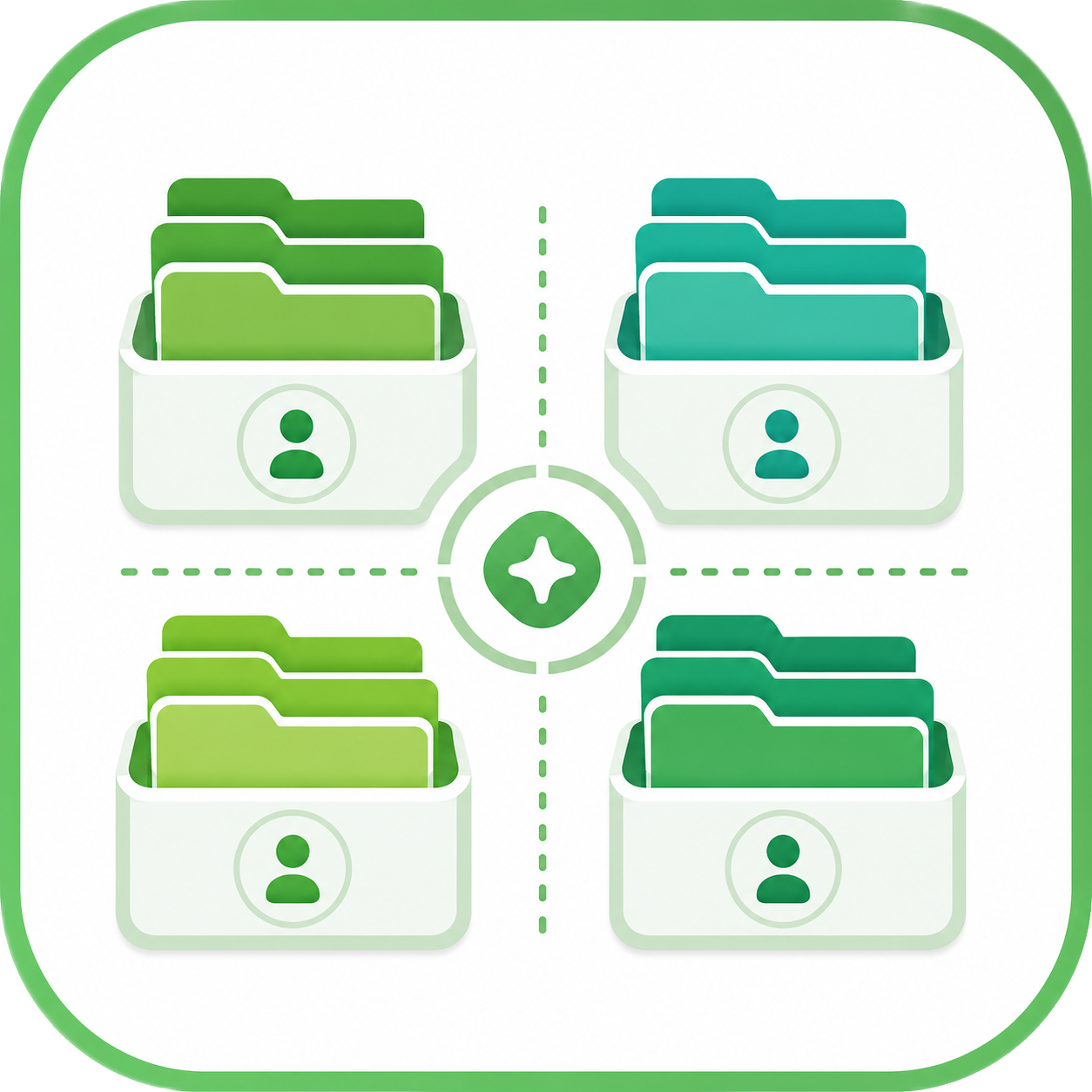
If you work across multiple clients, projects, domains, or business units, each body of work needs to stand on its own. MyDataWork lets you organize assets into groups by client, engagement, project, team, or domain. Once grouped, analysis stays focused. You can propose use cases for one client’s assets, run an Estate Assessment for one engagement, surface reuse and automation opportunities within a single project, or export a focused portfolio without pulling the rest of your workspace into the picture.
Benefits
- Organize assets into project, client, or domain groups
- Scope Propose, Leverage, the Workspace Agent, Migration Assist, and Estate Assessments to a single group
- Deliver client-specific portfolios and assessments without cross-contamination
- Manage many engagements in one workspace without losing separation
Improve proactively
Catch problems before they become urgent
Most teams find out about drift, dependencies, and stalled work the same way: when a stakeholder asks, when something breaks, or when a review surfaces every gap at once. The Workspace Agent gives you an on-demand way to inspect your workspace — or a single project or client group — and surface what is worth attention. It looks across cleanup, activity, and insight checks: missing stakeholders, stale use cases, new assets that are not linked yet, removed assets still depended on, high-value work losing momentum, and assets that have become hidden infrastructure.
Benefits
- Run the Workspace Agent on demand when you want a fresh review of the workspace
- Surface high-value work that is tracking below estimate or has lost momentum
- Identify assets that quietly support multiple initiatives and may need governance attention
- Use the Asset Estate Assessment for a broader AI-powered review of connections, use case opportunities, and health observations
- Reduce the pattern of “we knew that was a problem, but we did not get to it”
Move to new tools with confidence
Reduce disruption when methods and platforms change
Migrations fail when the context behind the work is not captured before the transition begins. MyDataWork helps teams document what exists, who depends on it, how assets connect, and what needs to carry forward before anything changes. Migration Assist goes further: AI analyzes your documented assets, metadata, use cases, and context to evaluate whether current tools are still the right fit. It surfaces modernization options with effort estimates, confidence ratings, key risks, and concrete next steps — not generic “consider moving to X” advice.
Benefits
- Document current-state assets, use cases, stakeholders, and dependencies before migration begins
- Identify external data sources and upstream dependencies that are not yet tracked elsewhere
- Preserve continuity notes so nothing critical gets lost in the transition
- Use Migration Assist to evaluate modernization options with effort estimates, risks, confidence ratings, and suggested next steps — before committing to a path
- Share portfolio and assessment outputs with leaders, IT, or consulting partners before committing to a migration path
Teams and Collaboration
Make team data work visible without surveilling individuals
Data teams do not work in isolation, but most tools force a tradeoff between team visibility and individual autonomy. MyDataWork is private by default. Each member gets a private working view inside the team workspace, where work-in-progress stays private until they choose to share it. When an asset is ready for the team, members publish it to a shared team space where colleagues can browse, copy, and reuse it. Admins see aggregate adoption metrics — what is being shared, copied, and reused — without per-member surveillance. Members trust the tool. Admins trust the adoption story.
Benefits
- Private working views protect drafts and work-in-progress until members choose to share
- Team members can browse and copy shared assets to build on each other’s work
- Team Metrics for admins: total assets, sharing rate, reuse multiplier, and 30-day activity trends
- Admins can use workspace-level views for onboarding, audit, and oversight when needed
- Admin-managed seats support Team Starter and Team Growth plans, with role and ownership controls
- Transfer workspace ownership when team responsibilities change